CRM Integration Requirements for B2B SaaS Products
Enterprise buyers eliminate products without CRM integration before discussing price or features.
A B2B SaaS product without a mature CRM integration gets cut during technical evaluation, quietly, before anyone discusses price or feature depth. Enterprise procurement asks one question, and it's binary: "Do you integrate with our CRM?" Answer with "it's on the roadmap" and the deal is already over, whether or not anyone says so out loud. Sales reps already lose a large chunk of their week to administrative work caused by tools that don't talk to each other, and a product that doesn't write cleanly into the CRM adds another pile to that stack. Without real CRM sync, buyers end up with data silos, attribution nobody can trust, forecasting that's more guess than math, and leads that vanish because no system claims ownership of them. An enterprise already runs hundreds of SaaS applications, so a new product doesn't get judged on its own merits. It's judged as one more node that either fits the network or doesn't.
Which CRM platforms enterprise buyers require, and in what order
Not every CRM integration carries the same weight in a sales cycle, and building the wrong one first, or building a shallow version of the right one, kills deals just as reliably as building nothing. Salesforce and HubSpot are Tier 1, the non-negotiable tier. HubSpot alone has hundreds of thousands of customers and dominates SMB and mid-market, so skipping it locks a product out of a large slice of the addressable B2B SaaS market before the first sales call happens. Microsoft Dynamics 365 is Tier 2, the enterprise-critical tier. It's the default system of record inside Microsoft-first organizations, so without it, Fortune 500 deals are blocked. Tier 3 covers high-demand regional and segment players: Pipedrive, which dominates EMEA SMB and high-velocity pipeline teams, and Zoho CRM, with a large footprint across APAC and strong adoption among cost-conscious mid-market firms. CRM integration already accounts for roughly three-tenths of the entire B2B SaaS integration market, the single largest category, ahead of HRIS and ERP, and it's the first filter enterprise buyers apply. The sequencing rule that falls out of this is simple to say and easy to ignore: don't touch Tier 2 or Tier 3 until Tier 1 is built to full depth. A shallow Salesforce integration loses more deals than a missing Pipedrive connector ever will.
What "mature" Salesforce and HubSpot integrations require under the hood
Salesforce and HubSpot break in completely different ways, and any team that treats them as interchangeable will ship something that fails in production for at least one of them. Salesforce enforces daily API call limits tied to license tier. Enterprise Edition starts with a base quota of 100,000 API calls per 24-hour period, plus additional allotment per user license, and it's a soft limit. Aggressive polling can push past it and trigger a hard block that cuts off all API access, which takes down the customer's own internal workflows, not just the integration that caused it. Salesforce also spreads its functionality across multiple API surfaces, REST API, Bulk API 2.0, Composite API, Pub/Sub API, plus SOAP, GraphQL, Metadata, Tooling, and the legacy Streaming API, each with its own error shapes and rate-limit behavior. Picking the right one depends on the operation type and data volume involved, not personal preference. Custom objects are standard practice in mature Salesforce orgs rather than an edge case, so an integration that only touches Lead, Contact, and Opportunity will miss the exact fields an enterprise buyer cares about most.
HubSpot has its own failure points. Its CRM Search API enforces a tight per-second rate limit and caps total results per query, so if an application tries to scan a customer's full database for context, it will hit that ceiling and stall out. HubSpot's data model also runs on a flexible association layer between objects, so if an integration is built around a flat contact-deal structure, it misses the relational complexity that real HubSpot accounts carry. Zoho introduces a problem neither Salesforce nor HubSpot requires solving: regional data residency, with separate API endpoints for.com,.eu,.in,.com.au,.com.cn,.jp, and.ca. The application has to route requests dynamically based on the region tied to the user's OAuth token, or it talks to the wrong data center. Building integrations that read cleanly into a CRM, respecting API limits, handling multiple API surfaces, mapping custom objects correctly, takes the same rigor as shipping any other piece of production code. Letterwrite applies a similar principle to content infrastructure: the harness around the output affects accuracy more than the raw capability does, and running multiple validation passes catches the edge cases a single pass always misses.
Bidirectional sync as the minimum viable architecture
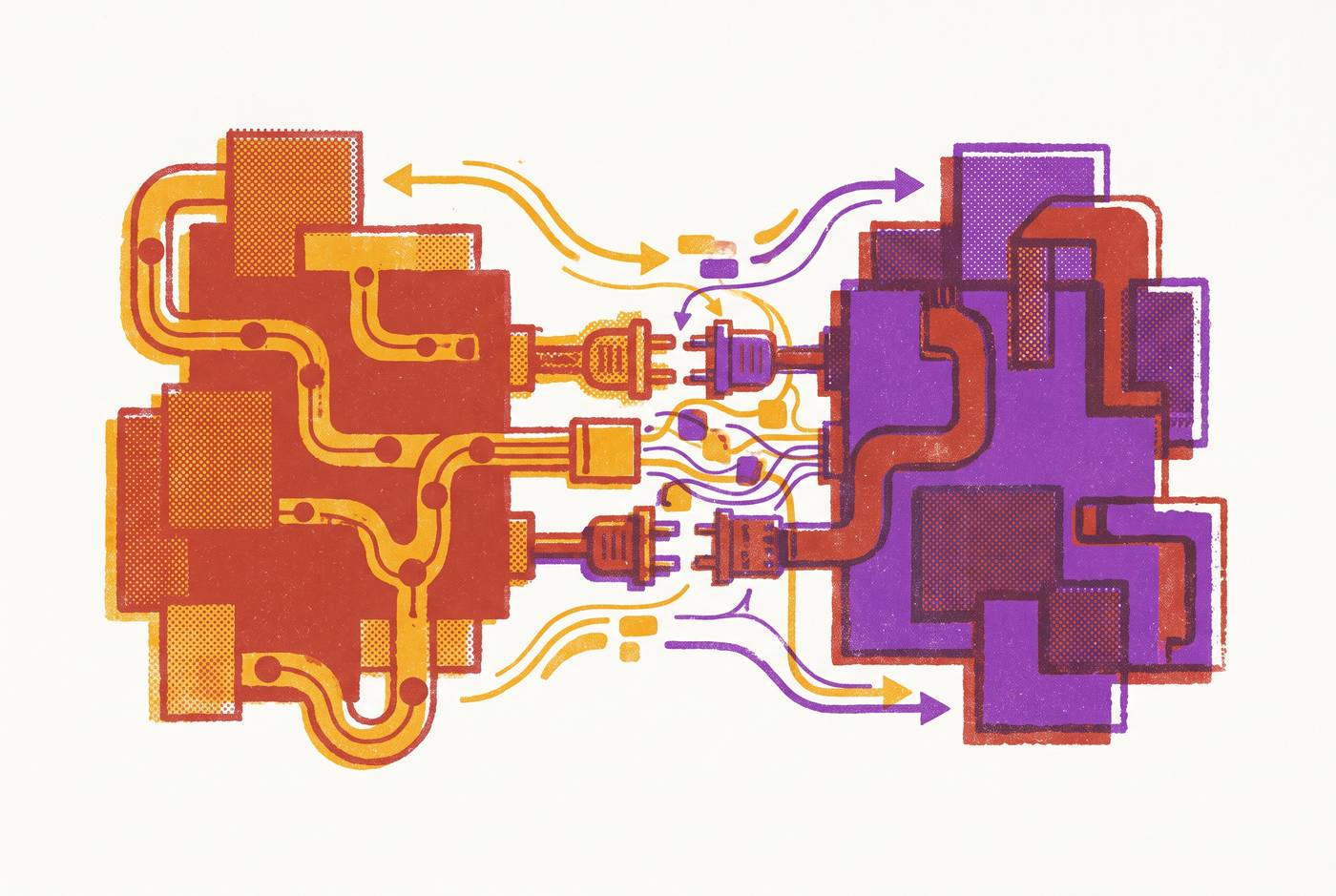
A one-directional integration, pushing leads into the CRM but never pulling deal outcomes back out, builds a marketing engine that can't attribute revenue and a sales team that can't trust its own pipeline numbers. Lead data, engagement history, and lead scores flow from the product and marketing layer into the CRM, while deal stage, sales activity, and closed-won data flow back the other direction. Skip either direction and attribution breaks, taking pipeline forecasting down with it. Lifecycle stage management depends entirely on that bidirectional state. A contact moving from MQL to SQL to Opportunity has to trigger actions in both systems at once, suppressing a nurture sequence in marketing automation and creating a task in the CRM, and that only works if the CRM's state changes propagate back in real time. Automated lead scoring runs on the same feedback loop. Scoring rules combine engagement signals, content downloads, email opens, website visits, with firmographic data, and the score stays accurate only as long as CRM outcomes keep feeding back into the model. Timing matters here, too: a sync that batches overnight leaves a window where a rep works off stale information, a lead that closed yesterday still shows open, routing rules misfire, and nurture sequences keep running for customers who already signed.
SaaS-specific objects that standard CRM data models do not accommodate natively
Traditional CRMs were built around one-off transactional sales, but B2B SaaS runs on subscription economics, and those data models were never designed to hold that. If an integration only maps standard objects, the most valuable revenue signals end up sitting outside the CRM. MRR and ARR need a real home in that data model, and not just as a static contract value. The current recognized monthly amount shifts constantly with expansion, contraction, and churn events, and the CRM needs to track that movement, not just the number at signing. Multi-year ramp deals add another layer: if annual contract value increases year over year, the CRM needs to hold future committed amounts alongside whatever is being recognized in the current period. Usage-based and hybrid pricing events complicate things further still: consumption data that triggers billing thresholds has to flow from product telemetry into the CRM in something close to real time, not as a monthly batch job. Beyond revenue, the integration layer also has to carry product telemetry, not just sales pipeline data. Usage events, feature adoption signals, and health scores all need to appear inside the CRM record, so account teams can catch expansion or churn risk before it is visible as a revenue number. The industry has shifted hard toward usage-based and hybrid pricing, and a CRM integration that can't ingest consumption data is structurally unfit for the pricing model most B2B SaaS products now run on. Custom objects and custom fields need to go into the CRM before integration build begins. Retrofitting the data model after launch is expensive, and it disrupts every automation already built on top of the old structure.
Auth patterns, field mapping discipline, and the operational practices that keep integrations from drifting
Picture a workflow change made by one team member, a renamed field, a tweaked automation trigger: it can quietly invalidate a mapping and break attribution for an entire quarter before anyone notices. Most CRM integrations that fail in production don't fail at launch. They drift, slowly, and produce bad data until a sales rep or a marketing analyst stumbles onto something that doesn't add up months later. OAuth 2.0 is the standard across Salesforce, HubSpot, and Zoho, but each platform implements the flow its own way, and token expiry windows, refresh behavior, and scope definitions all vary enough to need explicit handling rather than assumptions carried over from the last platform. Zoho's regional routing adds another auth wrinkle: the region encoded in the OAuth token has to drive API endpoint selection, or requests fail silently or land in the wrong data residency zone. Salesforce's Connected App configuration requires explicit scope grants and IP whitelisting decisions, and these affect both security posture and how much rate limit the integration gets allocated.
Field mapping needs the same discipline. A field called "Company" in one system and "Account Name" in another creates duplicate records and attribution gaps that compound over time. You need to define required fields for each lifecycle stage before the integration goes live, because if a contact moves from MQL to SQL without a required field populated, it breaks downstream routing rules for every lead that follows the same path. All of this depends on documentation treated as an engineering artifact. Field mappings, automation triggers, and integration rules belong in a shared reference document that updates the moment a workflow changes, because teams that skip this step are the ones living with integration drift, where the live system slowly wanders away from whatever it was originally designed to do. Load testing matters: integrations need testing under realistic data volumes, not just clean happy-path scenarios, since rate limit exhaustion, bulk sync timing, and webhook delivery failures occur under conditions that look like production.
Enterprise ecosystem expectations beyond the CRM: where adjacent integrations become deal requirements
Enterprise buyers now evaluate a product's integration posture across several system categories at once, so a mature Salesforce connector only clears one bar. Ticketing and support tools, Jira, ServiceNow, Zendesk, carry real veto power in these evaluations. Bidirectional status sync between the CRM and the support layer keeps account health data and open issues visible to both sales and success teams, instead of trapped in whichever system last touched the account. AI agents are an emerging category: enterprise buyers increasingly expect out-of-the-box integration with their AI agents, and while it isn't yet a universal requirement, it's showing up in enterprise RFPs more often. You can't build every one of these adjacent connectors natively alongside actual product development. Unified API layers, Merge being one example, have become the dominant architectural response. These platforms abstract multiple vendors behind a single integration surface and handle OAuth flows and webhook subscriptions at the platform level, so engineering teams don't have to rebuild the same auth logic for every new system a buyer happens to run.
Building and maintaining a CRM integration layer without consuming the entire engineering roadmap
Teams that treat CRM integration as infrastructure, planned, layered, maintained, ship integrations that actually win deals. Teams that treat it as a sprint item ship connectors that break the moment they meet a real customer's CRM configuration, then spend the next year firefighting. Start with data hygiene before connecting anything: deduplicate CRM records, standardize field naming conventions, and define required fields for each lifecycle stage, because connecting two dirty systems produces two systems full of unreliable data. Build incrementally: test each integration point before you add the next, and validate under realistic load rather than a clean happy path, because rate limit exhaustion and bulk sync timing problems appear at production scale. Follow the sequencing discipline from earlier all the way through: get Tier 1 (Salesforce, HubSpot) to full depth, bidirectional sync, custom object support, webhook delivery, real error handling, before touching Tier 2 or Tier 3. A shallow Tier 1 integration loses more deals than a missing Tier 3 connector ever will.
For teams building customer-facing integrations, letting customers connect their own CRM into the product, a unified API layer handles the per-CRM auth complexity, field normalization, and webhook infrastructure, freeing up engineering time for product-specific logic over ongoing connector maintenance. Integration health deserves tracking as a first-class operational metric: sync success rates, API quota consumption, field mapping conflicts, webhook delivery failures. Integrations that go unmeasured are integrations that drift without anyone noticing until a customer complains. The teams winning enterprise deals have stopped treating CRM integration as a feature on a list. They treat it the way they treat a database: something designed deliberately, tested under load, monitored continuously, and maintained for as long as the product exists.